
To install sonarqube locally for your local development, please follow below steps.
-
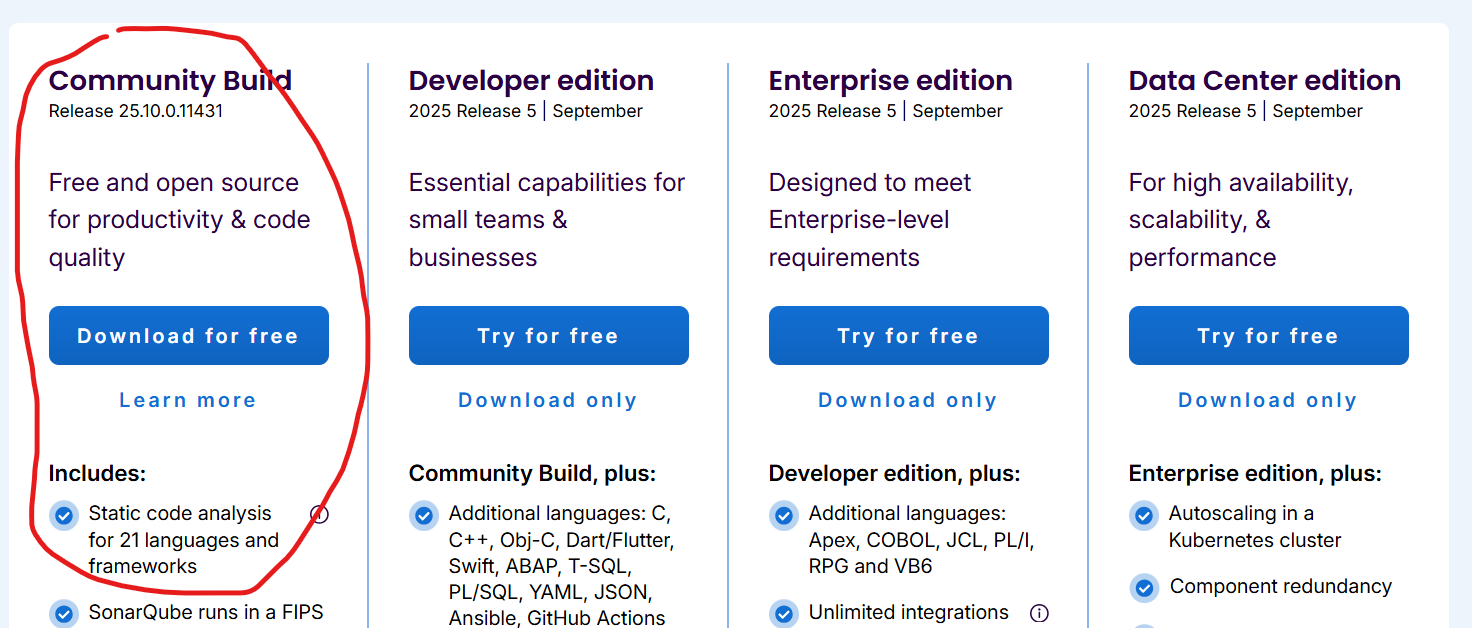
We need to download sonarqube in our local, in the article we downloaded sonarqube zip file for this purpose. here is the link from where you can download. Download SonarQube | Sonar
Here we downloaded free community version.
-
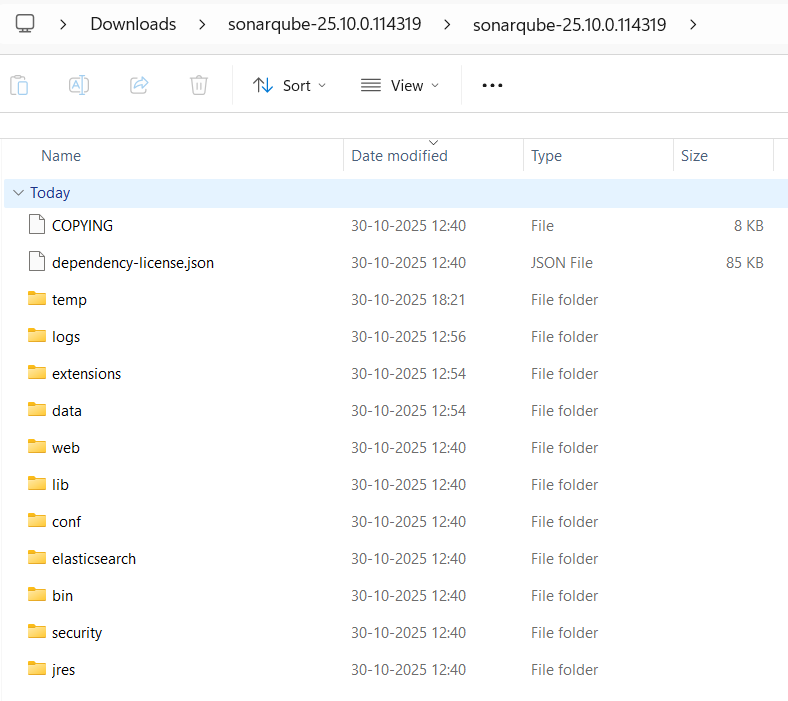
Now extract the content of this file and open the directory where you downloaded it. It will look like below.
-
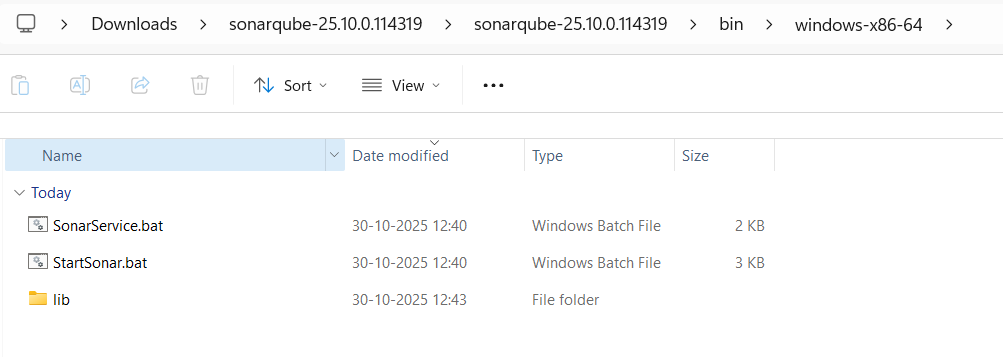
To start sonarqube follow folder path as shown below
-
open cmd on this path and use
StartSonar.batfile to start the sonarqube server.
It will take some time to up sonarqube. once you see below on cmd it means that sonarqube is now started.

-
Now open “http://localhost:9000/” in browser.
by default sonarqube port is 9000. but you can change it easily by using
sonar.propertiesfile on path as shown below.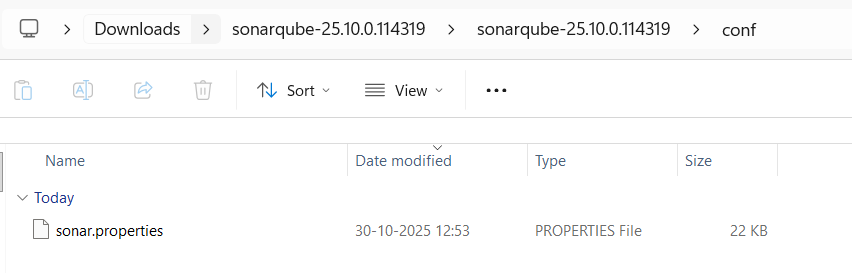
In this property file you have to search
sonar.web.portuncomment it by removing#in front of this property and put whatever port you want to use.
-
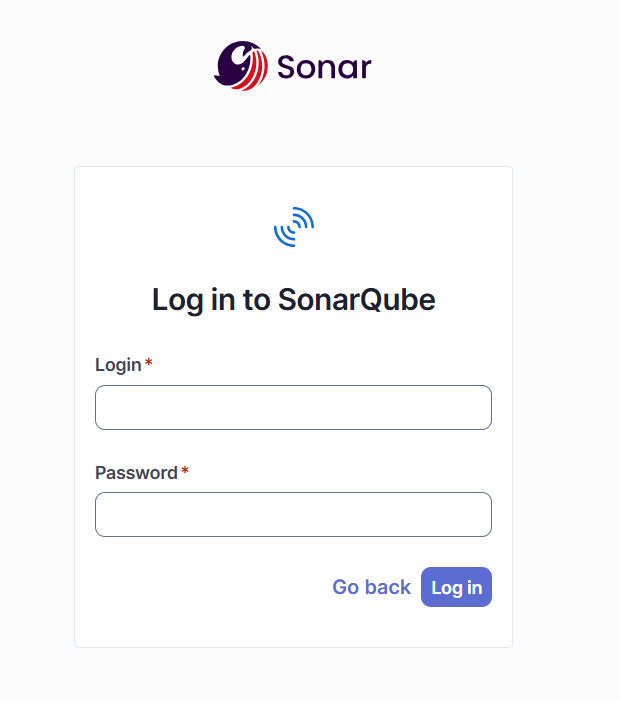
Now it will ask for user and password. if its first time login then use admin as user and password. then it will ask to set new password.
-
Now to add your local project in sonarqube, you have to generate token.
so for that open your account on sonar qube portal (http://localhost:9000/)
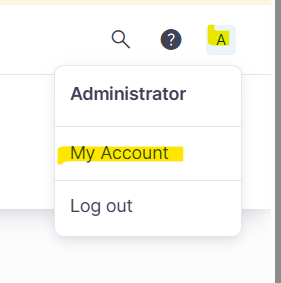
click on “My Account” and then click on security tab
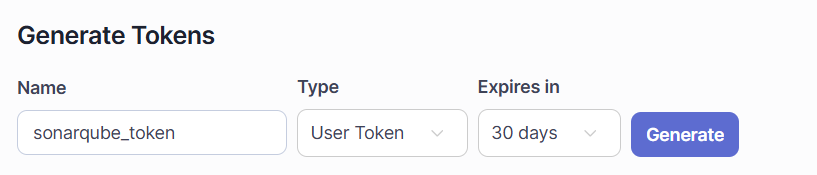
Here you can see option to generate token. Fill token name, type and expire time.
then click on “generate” button. here it will generate token copy it.
-
Open your project, we are using intellij as IDE to open project. now use below command replace “
<token>” with sonarqube token and run it.gradle sonar -Dsonar.login=<token>
-
It will take sometime and once it finish. open sonarqube portal (http://localhost:9000/projects) and now open project you will see your project their.
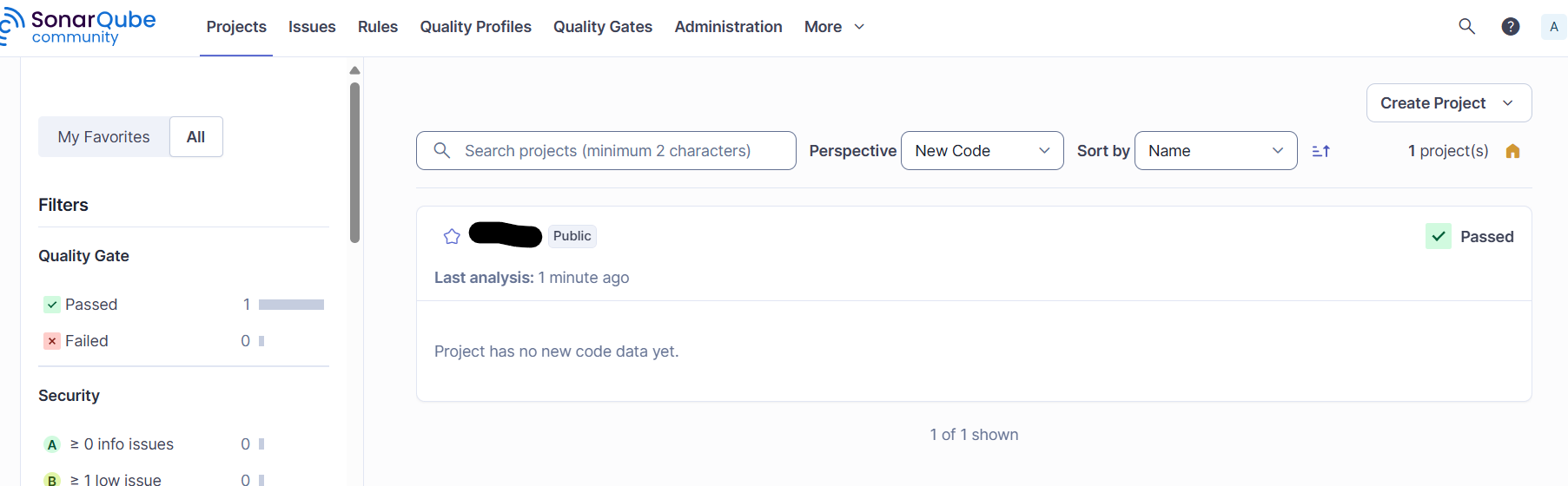
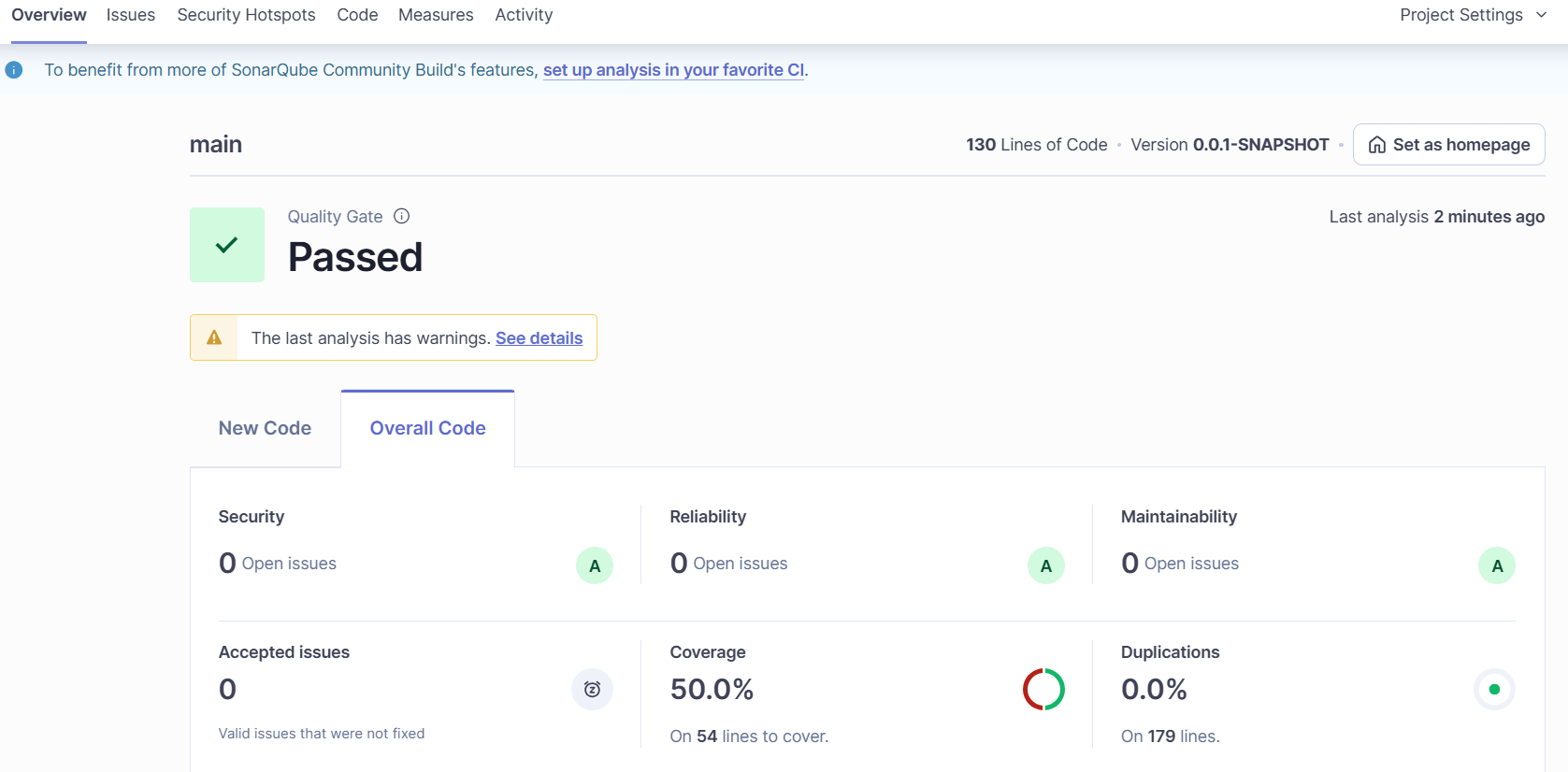
All set now, you can use it for test coverage and find issues for you local development.
Thankyou for reading this article if you have any doubt please comment below.
Comments
Post a Comment